CI/CD for Salesforce: Deployment Automation
Complete implementation of CI/CD pipelines for Salesforce using GitHub Actions, SFDX CLI, and Scratch Orgs. Includes best practices and troubleshooting.
Deployment Automation
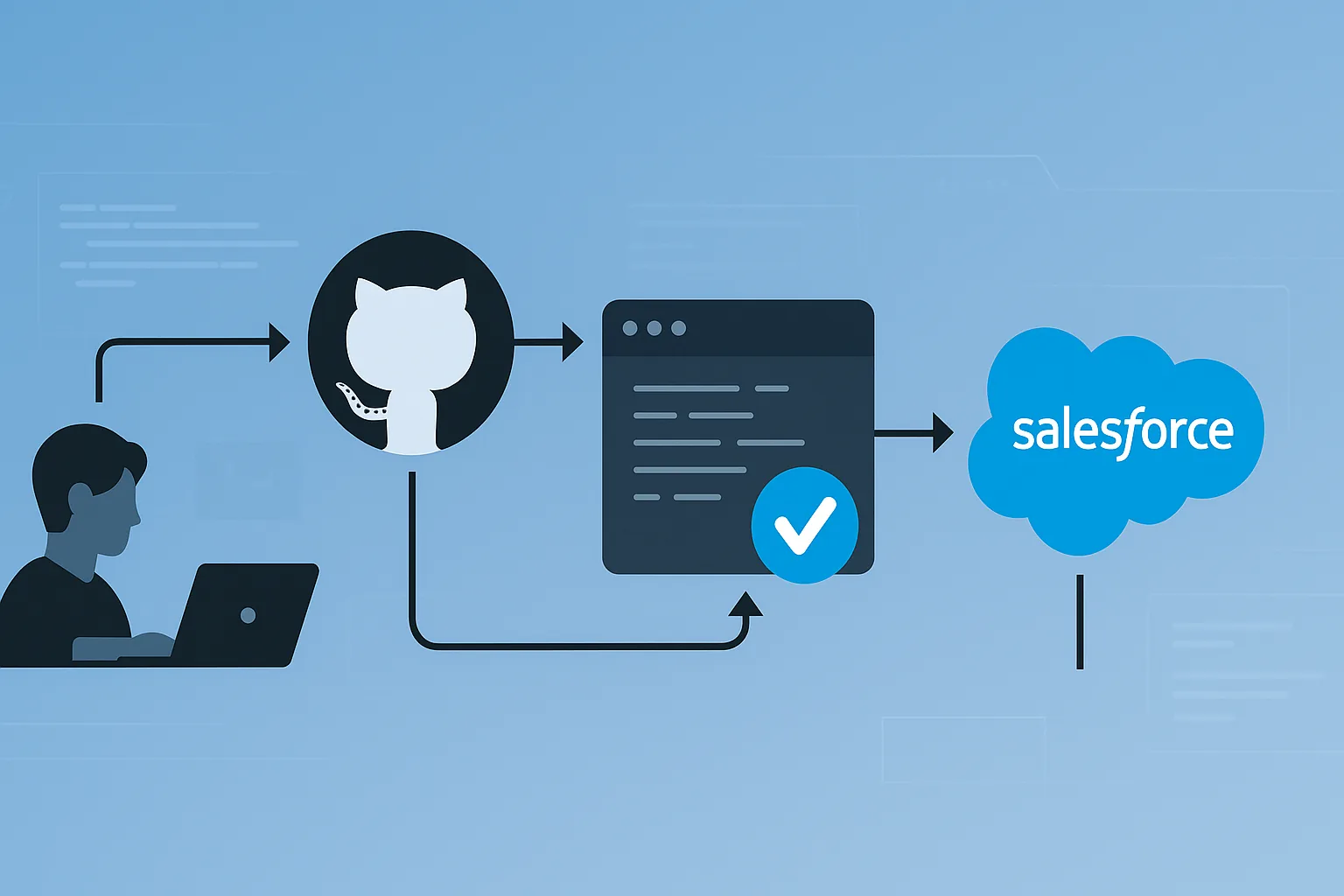
1. The Philosophy: Developer in Control
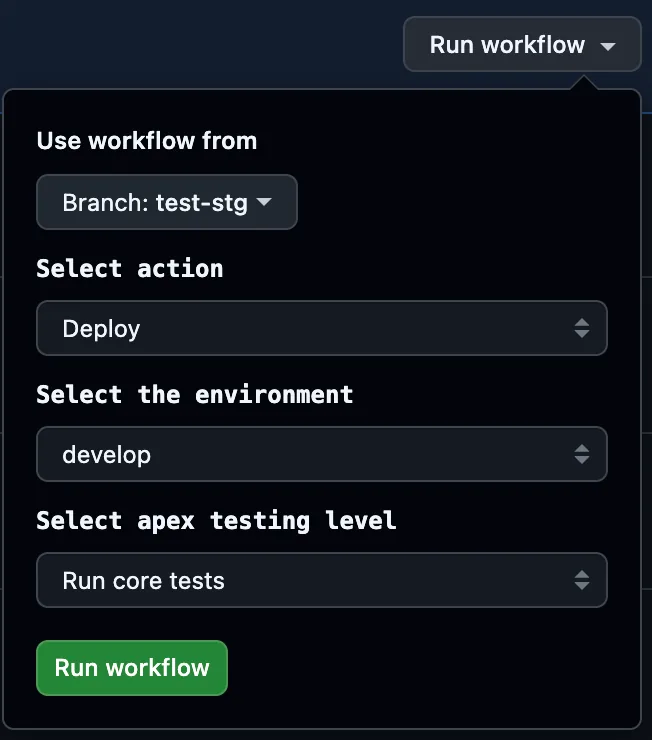
Our main workflow is manual, based on workflow_dispatch:
on:
  workflow_dispatch:
    inputs:
      action:
        description: 'Action to execute (Deploy or Validate)'
        required: true
        default: 'Validate'
      environment:
        description: 'Target environment'
        required: true
        default: 'develop'
      testLevel:
        description: 'Testing level'
        required: true
        default: 'RunLocalTests'
Advantages:
- ✅ Full control by the developer
- ✅ Avoids unintended automatic deployments
- ✅ Improves traceability
2. Pull Request Verification and Status
We verify that the PR exists and is clean (CLEAN):
PR_STATE=$(gh pr list --head $GITHUB_REF_NAME --json state --jq '.[0].state')Objective: ensure that the change has been reviewed and is integrable without conflicts.
3. Synchronization and Merge
- name: Merge target branch into current
  run: git merge origin/$TARGET_BRANCH
This ensures we test on the updated code from the target branch (e.g., develop).
4. Smart Delta Package Generation
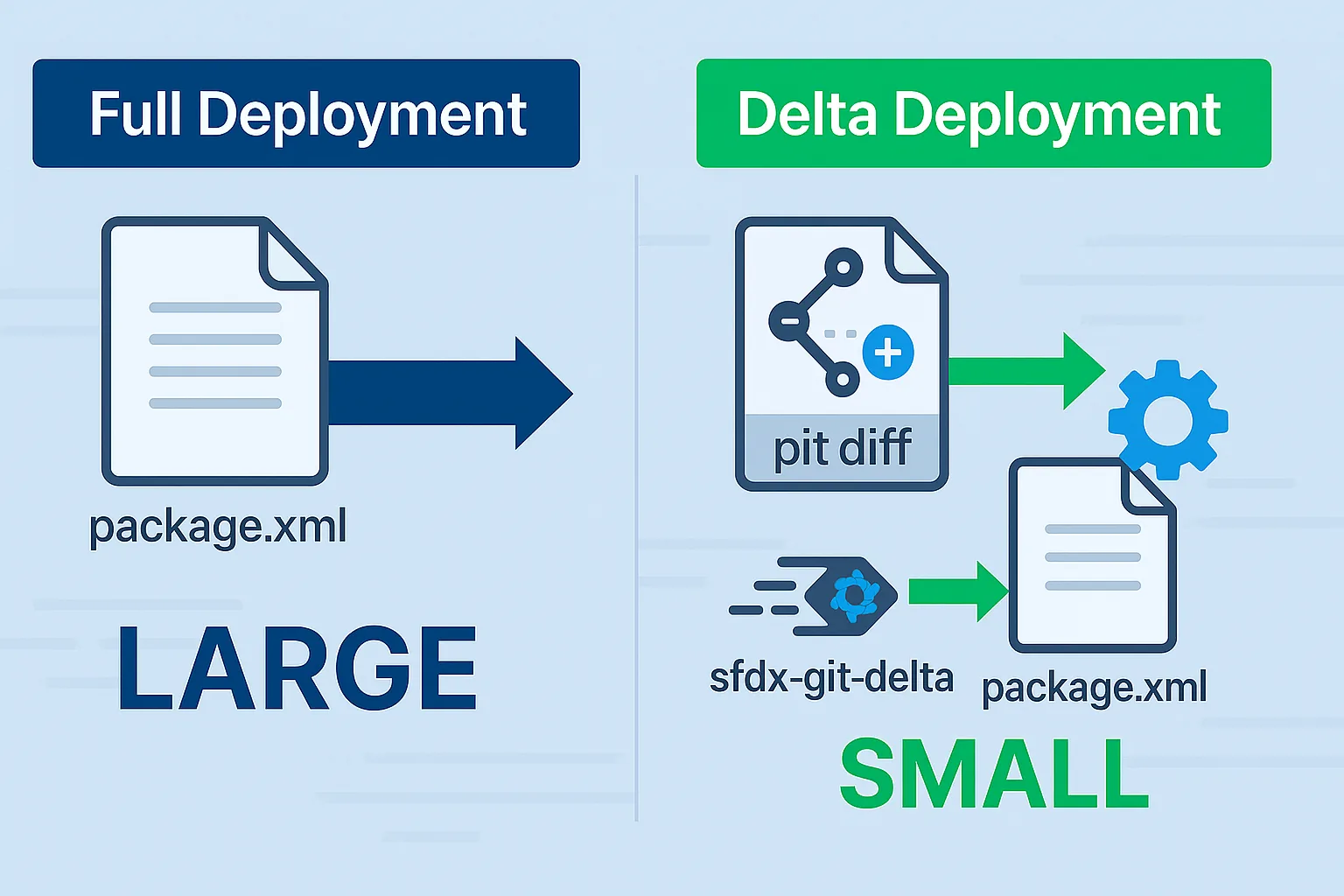
Why incremental deployment?
In large projects, deploying all metadata can be extremely slow. Our delta strategy only deploys modified components, reducing times from hours to minutes.
Implementation with sfdx-git-delta
# Create delta packages for new, modified or deleted metadata
branch="$GITHUB_REF"
environment_branch="origin/$TARGET_BRANCH"
mkdir $CHANGE_SOURCE
sfdx sgd:source:delta --to="$branch" --from $(git merge-base "$branch" "$environment_branch") \
  --output changed-sources/ --generate-delta --source force-app/ --ignore scripts/CI/.deltaignore

# Verify generated content
echo "========== package.xml =========="
cat "changed-sources/package/package.xml"
echo "========== destructiveChanges.xml =========="
cat "changed-sources/destructiveChanges/destructiveChanges.xml"
Generated files:
package.xml: Added/modified componentsdestructiveChanges.xml: Deleted components.deltaignore: Files to omit (static files, CI configurations)
Advantages:
- ⏩ Only deploys what changed
- 🔎 Maximum visibility with
package.xml - ⚖️ Compatible with
.deltaignore - 🚀 Avoids side effects on unrelated components
5. Selective Testing Strategy with RunSpecifiedTests
The Problem: Coverage vs Speed
Salesforce requires 75% average coverage for production. With RunLocalTests this is based on global average, but with RunSpecifiedTests each class in the package must achieve 75% individually - a stricter criterion that guarantees quality.
Smart Test Selection
1. CSV Mapping of Classes to Tests
Class,TestClass
MyService,MyServiceTest
UserUtil,UserUtilTest
TriggerHandler,TriggerHandlerTest
2. Automatic Test Determination
- name: Get Apex Tests
  if: env.METADATA_CHANGES == 'yes'
  run: |
    TESTS="$INPUT_APEX_TESTS"
    BASE_PATH="scripts/CI/"
    folder_path="changed-sources/force-app/main/default/classes"

    if [ "$TEST_LEVEL" == "Run all specified tests" ]; then
      TESTS=$(node "${BASE_PATH}getAllTests.js" "$SKIP_TESTS")
    elif [ -z "$TESTS" ] && test -f "${BASE_PATH}getTestsToRun.js"; then
      TESTS=$(node "${BASE_PATH}getTestsToRun.js" "${folder_path}")
    fi

    echo "APEX_TESTS=$TESTS" >> $GITHUB_ENV
3. Deployment Command with Specific Tests
sfdx force:source:deploy -u $TARGET_ORG -x changed-sources/package/package.xml \
  -l RunSpecifiedTests -r "$APEX_TESTS"
Advantages of RunSpecifiedTests:
- 📊 Stricter criterion: Each new class must have 75% coverage
- ⚡ Faster testing: Only relevant tests
- 🎯 Precision: Specific tests for real changes
- 🛡️ Quality: Prevents low-coverage code from “slipping through” under global average
Additional benefits:
- 📊 Faster testing
- 🌐 Independent tests per package
- 🧳 Precision for real changes
6. Additional Security Barriers
checkDeploymentAllowed.sh: Validations according to schedule, environment and corporate rules.- Retries on PR status:
while [ $attempt -le 3 ]; do
  pr_state=$(gh pr list --head $GITHUB_REF_NAME --json state --jq '.[0].state')
  [ "$pr_state" != "UNKNOWN" ] && break
  sleep 5; ((attempt++))
done
7. Continuous Monitoring and Scheduled Executions
Periodic Complete Executions
Although we use selective tests in each deployment, we run scheduled complete verifications:
# workflow: run_all_tests.yaml
schedule:
  - cron: '0 2 * * *'  # Every night at 2 AM
This gives us:
- 🔄 Continuous verification of the complete codebase
- 🚨 Early detection of unexpected regressions
- 📊 Updated global coverage report
8. Notifications and Cycle Closure
Communication Integration
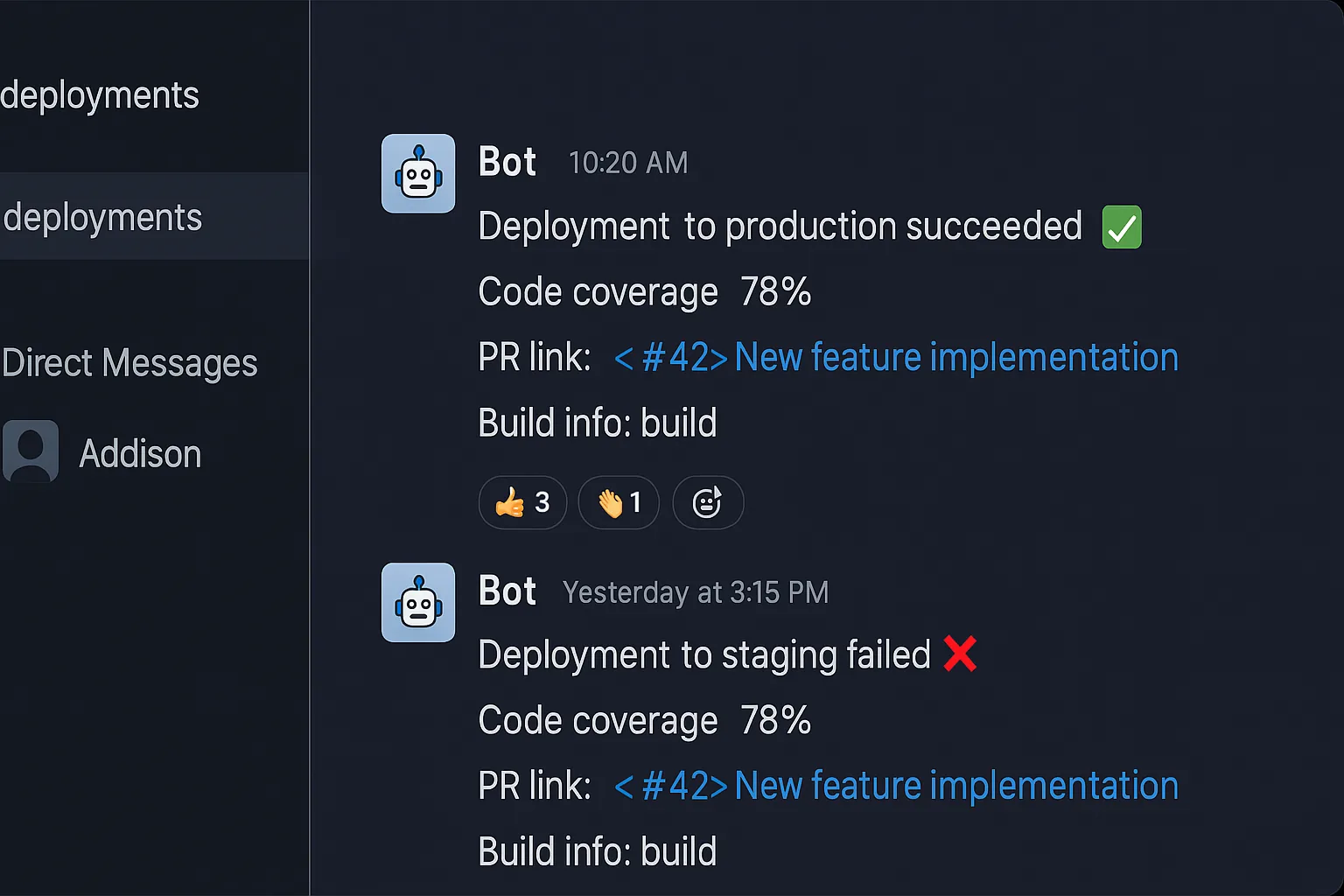
- 💬 Slack/Teams Webhooks: Automatic status notifications
- 🔗 Direct links: Links to PR, execution and logs
- 📈 Coverage metrics: Text report with covered lines
Smart Auto-merge
- ✅ Automatic merge if deployment successful
- 🔄 Branch alignment without manual intervention
- 🚨 Immediate alerts in case of failures
9. Results and Metrics
Quantifiable Improvements
- Deployment time: From hours to minutes
- Code coverage: 75% guaranteed per component (not just average)
- Quality: Stricter criterion prevents quality regression
- Efficiency: Fewer tests executed, greater precision
Use Cases
- 🟢 Development: NoTestRun for speed
- 🟡 Staging: RunSpecifiedTests for validation
- 🔴 Production: RunSpecifiedTests mandatory
Conclusion
Our strategy combines speed and quality through:
📦 Delta deployments: Only relevant changes
🧪 Selective testing: RunSpecifiedTests with strict 75% per class criterion
🔄 Continuous monitoring: Scheduled executions for global verification
🤖 Smart automation: Automatic test selection via CSV mapping
This CI/CD pipeline is a key tool in our DevOps culture for Salesforce. It allows us to deliver with confidence, audit with ease, and continuously improve.
🚀 Automated, but under control.
💡 Fast, but secure.
😎 Efficient, but transparent.
References
Configuration based on Salesforce best practices and community tools like sfdx-git-delta for incremental deployments and advanced use of the Metadata API testLevel parameter.
Related Articles
 Salesforce Featured
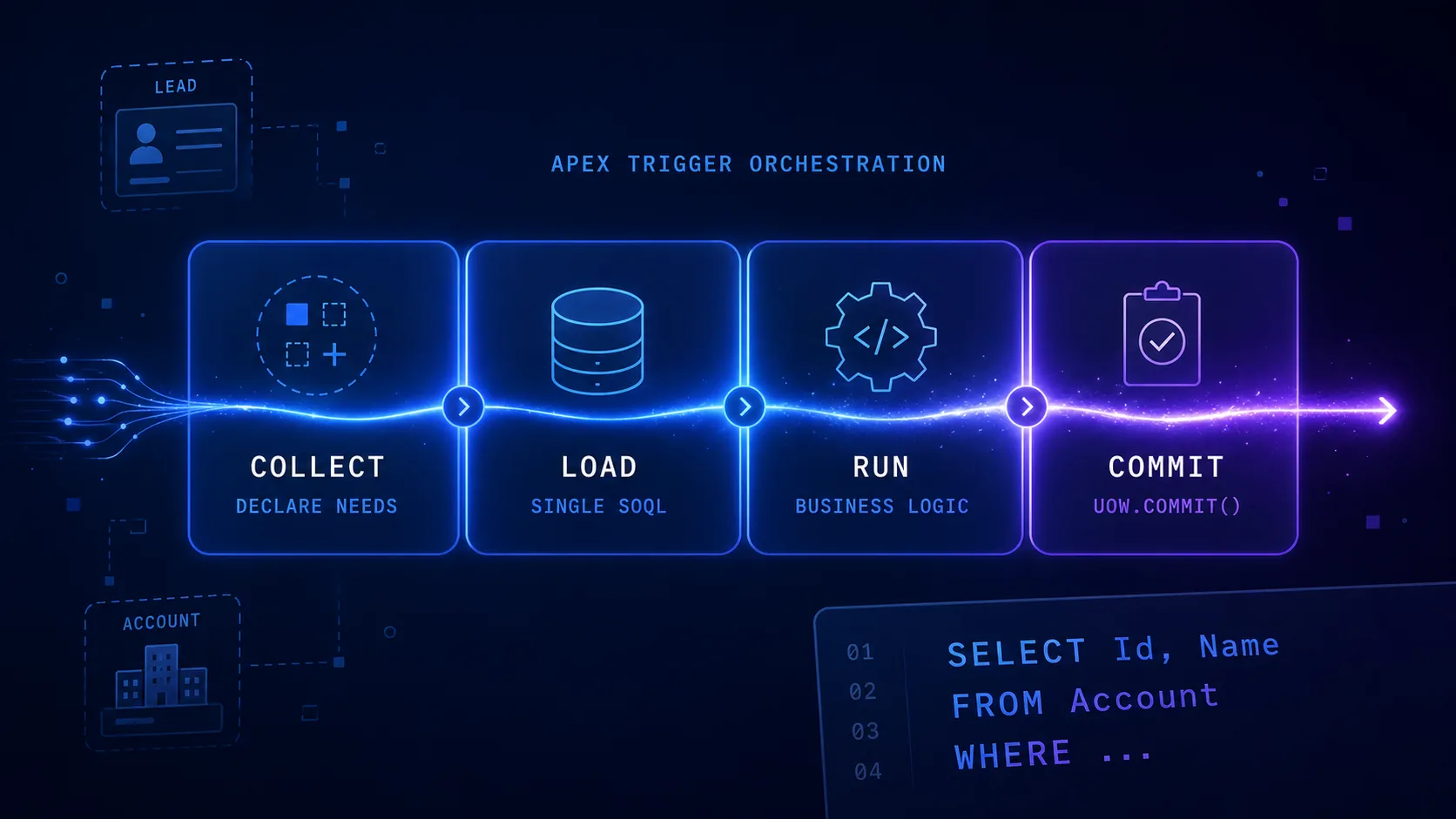
 Query Plan Architecture: Pattern for Apex Triggers
Learn how to structure complex Salesforce triggers with the Query Plan Architecture pattern. Separate logic into 4 phases (Collect, Load, Run, Commit) to eliminate duplicate SOQL, respect governor limits, and simplify testing.
 Salesforce
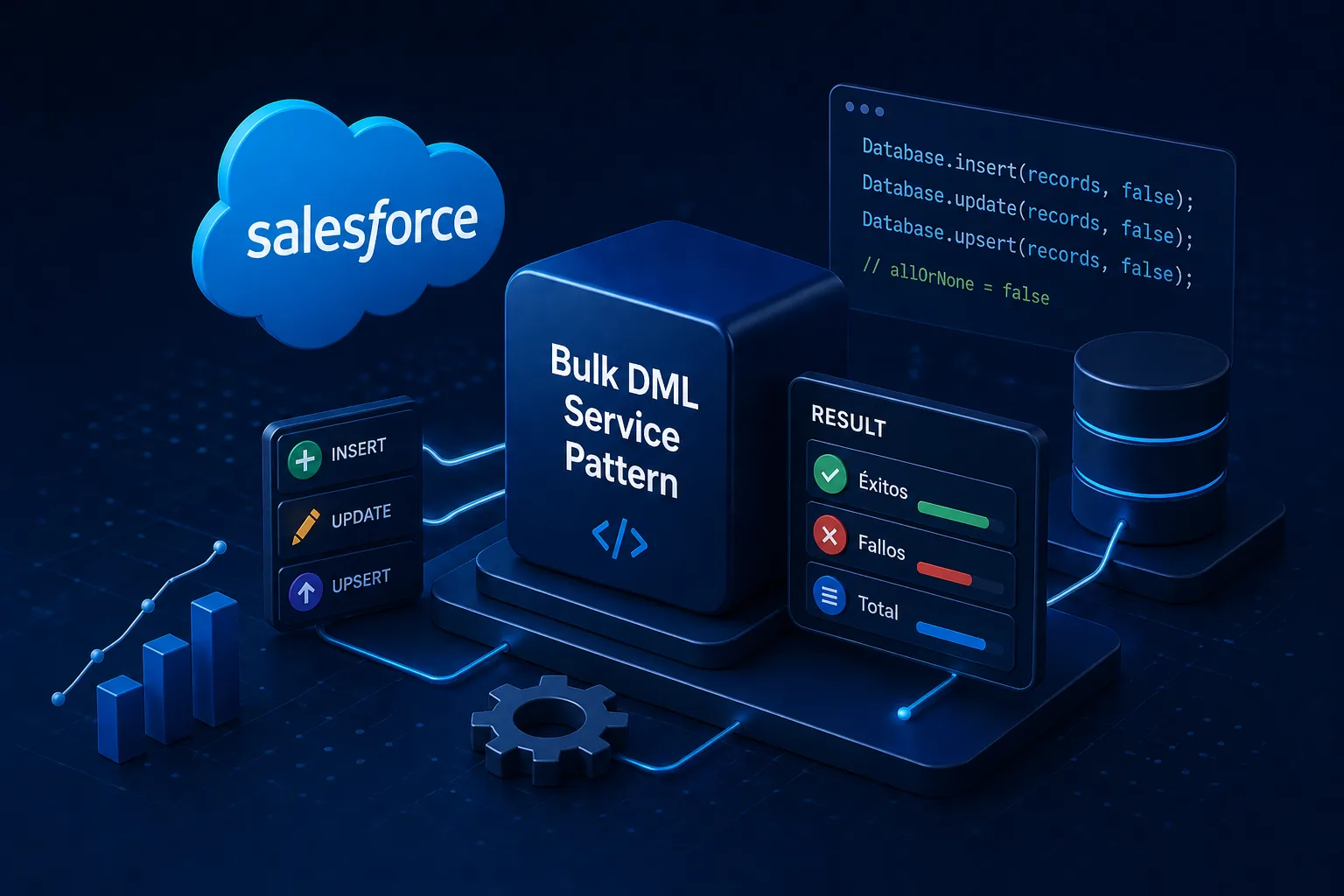
 Bulk DML Service Pattern: Partial DML Operations in Salesforce
Complete technical documentation of the Bulk DML Service Pattern framework for Salesforce. Learn to perform resilient DML operations with partial success using a familiar Unit of Work-style API.
 Salesforce
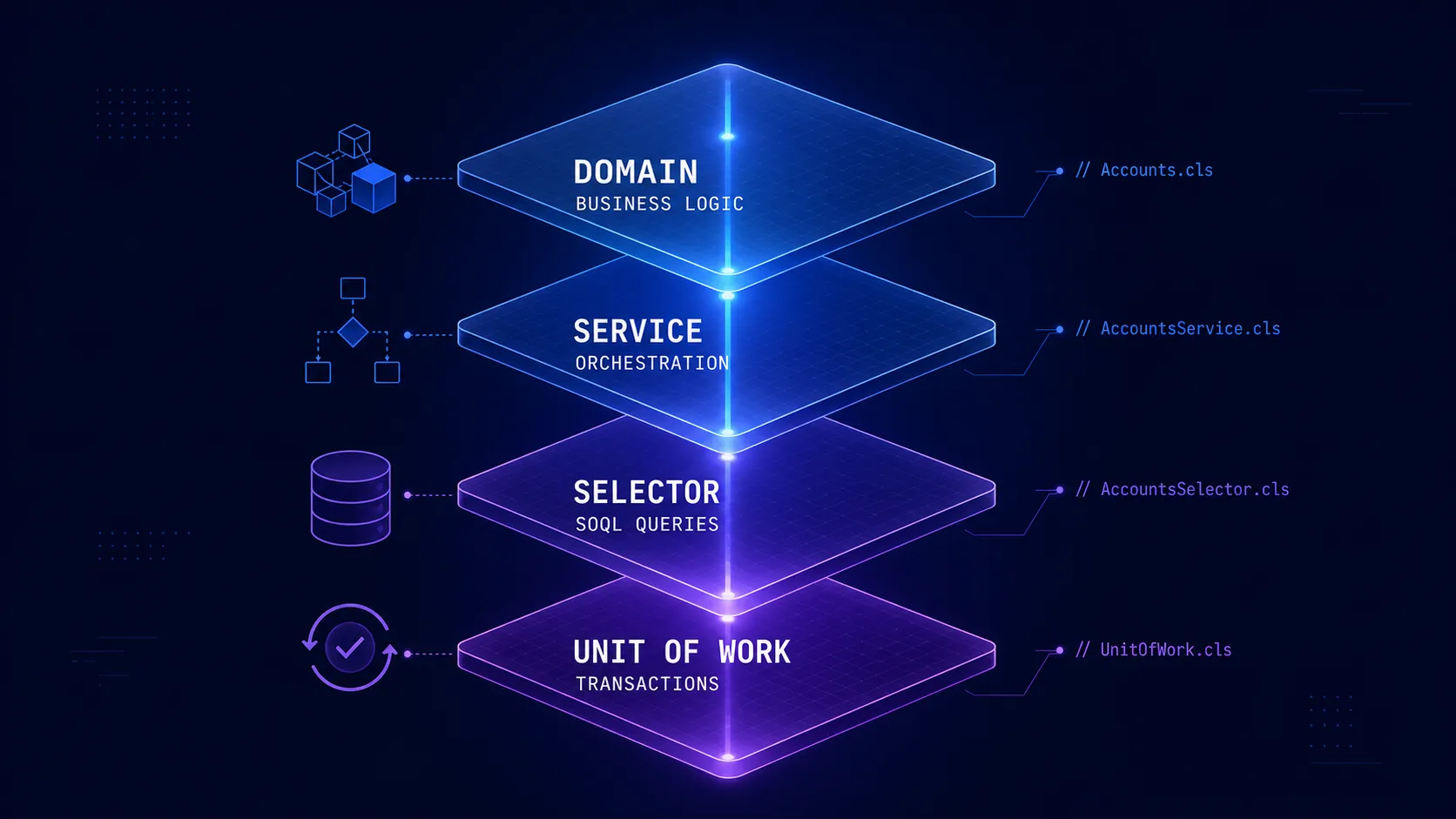
 Salesforce Architecture with FFLib: Enterprise Patterns
Complete guide on implementing enterprise architectural patterns in Salesforce using FFLib. Includes Domain Layer, Selector Layer, Service Layer, and Unit of Work.