Bulk DML Service Pattern: Partial DML Operations in Salesforce
Complete technical documentation of the Bulk DML Service Pattern framework for Salesforce. Learn to perform resilient DML operations with partial success using a familiar Unit of Work-style API.
Introduction: The Problem with Unit of Work and Partial Operations
When working with fflib and its Unit of Work pattern, we encounter a significant limitation: fflib_SObjectUnitOfWork uses DML with allOrNone = true by default. This means that if a single record fails validation in a batch of 200 records, the entire transaction is rolled back and no records are saved.
This behavior is excellent for ensuring transactional integrity, but there are scenarios where a different approach is needed:
- Massive data processing: When processing large volumes of data and wanting to save valid records even if some fail.
- Data migrations: In migration processes where some records might fail, but we don’t want to lose all progress.
- Integrations: When receiving external data, some of which may be invalid, but we want to process the valid ones.
- Batch processing: In batch classes where we want to continue even if some records fail.
fflib does not provide a native solution for this use case, as the Unit of Work is designed for complete transactional operations where all or nothing must execute. Furthermore, one of the main reasons for creating this framework is to provide a simple mocking system for bulk operations using the same dependency injection pattern as fflib, allowing true unit tests to be written without needing to touch the database.
The Bulk DML Service Pattern addresses these issues by providing a familiar Unit of Work-style API but with support for partial operations using allOrNone = false, and a comprehensive mocking system that integrates seamlessly with the fflib Application factory.
What is the Bulk DML Service Pattern?
The Bulk DML Service Pattern is a framework designed to handle DML operations (insert, update, upsert) in Salesforce with partial success (allOrNone = false). It provides an API similar to fflib_SObjectUnitOfWork but with the ability to process records such that individual failures do not block the entire operation.
Prerequisites
⚠️ IMPORTANT: This framework requires your project to use fflib as its architectural base. The Bulk DML Service Pattern is designed to integrate with the fflib Application factory, using the same dependency injection pattern to facilitate mocking and unit testing.
Key Features
- ✅ Familiar API: Methods similar to Unit of Work (
registerNew,registerUpdate,registerUpsert,commitWork) - ✅ Partial Operations: Allows some records to fail without affecting others.
- ✅ Detailed Results: Provides a comprehensive summary of all operations performed.
- ✅ Integrated Logging: Automatically logs failures and successes (uses your preferred logging system).
- ✅ Testable: Includes a complete mock for unit tests without a database that integrates with fflib.
- ✅ Error Handling: Custom exceptions and structured logging.
- ✅ fflib Integration: Uses the fflib Application factory for dependency injection and mocking.
Framework Architecture
The framework is built on an interface-based architecture that allows for easy mocking for testing:
IBulkDmlService (Interface)
    │
    ├── BulkDmlService (Real Implementation)
    └── BulkDmlServiceMock (Mock for Testing)

IBulkDmlResult (Interface)
    │
    └── BulkDmlResult (Implementation)
Operation Flow
graph TD
    A[Create BulkDmlService instance] --> B[Register records with registerNew/Update/Upsert]
    B --> C[Call commitWork]
    C --> D[Execute DML operations with allOrNone=false]
    D --> E[Analyze results]
    E --> F[Create BulkDmlResult]
    F --> G[Clear registered records]
    G --> H[Return result]
Main Components
IBulkDmlService
The main interface defining the contract for the bulk DML service:
public interface IBulkDmlService {
    // Register records for insert
    void registerNew(List<SObject> records);
    void registerNew(SObject record);

    // Register records for update
    void registerUpdate(List<SObject> records);
    void registerUpdate(SObject record);

    // Register records for upsert
    void registerUpsert(List<SObject> records);
    void registerUpsert(SObject record);

    // Execute all registered operations
    IBulkDmlResult commitWork();

    // Clear records without executing
    void clear();
}
Design Features:
- Overloaded methods to accept both lists and individual records.
- Naming consistent with fflib Unit of Work.
- Return of structured results for later analysis.
IBulkDmlResult
Interface that encapsulates the results of all DML operations:
public interface IBulkDmlResult {
    Database.SaveResult[] getInsertResults();
    Database.SaveResult[] getUpdateResults();
    Database.UpsertResult[] getUpsertResults();

    Boolean isAllSuccess();
    Integer getSuccessCount();
    Integer getFailureCount();
    Integer getTotalCount();
}
This interface allows programmatic analysis of results and decision-making based on the success or failure of operations.
Internal Functioning: How the Framework Works
1. Record Storage
Internally, BulkDmlService maintains three private collections to store registered records:
private List<SObject> recordsToInsert;
private List<SObject> recordsToUpdate;
private List<SObject> recordsToUpsert;
When you call registerNew(), registerUpdate(), or registerUpsert(), records are added to these respective collections. The service also validates that records are not null before adding them and logs each operation.
2. Commit Process
The commitWork() method is where the magic happens:
public IBulkDmlResult commitWork() {
    // 1. Initial Logging
    Logger.info(new LogMessage('Committing bulk DML work - Insert: {0}, Update: {1}, Upsert: {2}',
        new List<Object>{recordsToInsert.size(), recordsToUpdate.size(), recordsToUpsert.size()}));

    // 2. Initialize result arrays
    Database.SaveResult[] insertResults = new List<Database.SaveResult>();
    Database.SaveResult[] updateResults = new List<Database.SaveResult>();
    Database.UpsertResult[] upsertResults = new List<Database.UpsertResult>();

    try {
        // 3. Execute DML operations with allOrNone = false
        if (!recordsToInsert.isEmpty()) {
            insertResults = performInsert(recordsToInsert);
        }

        if (!recordsToUpdate.isEmpty()) {
            updateResults = performUpdate(recordsToUpdate);
        }

        if (!recordsToUpsert.isEmpty()) {
            upsertResults = performUpsert(recordsToUpsert);
        }

        // 4. Create consolidated result
        IBulkDmlResult result = new BulkDmlResult(insertResults, updateResults, upsertResults);

        // 5. Result Logging
        Logger.info(new LogMessage('Bulk DML completed - Total: {0}, Success: {1}, Failures: {2}',
            new List<Object>{result.getTotalCount(), result.getSuccessCount(), result.getFailureCount()}));

        return result;

    } catch (Exception ex) {
        // 6. Exception Handling
        Logger.error(new LogMessage('Bulk DML operation failed: {0}', ex.getMessage()))
            .setExceptionDetails(ex);
        throw new BulkDmlException('Bulk DML operation failed: ' + ex.getMessage(), ex);
    } finally {
        // 7. Always clear registered records after commit attempt
        this.clear();
    }
}
Note on logging system: In the reference implementation shown in this article, Nebula Logger (https://github.com/jongpie/NebulaLogger) is used, a robust observability solution for Salesforce. However, the framework is completely agnostic of the logging system used. You can integrate any preferred logging system (Logger, System.debug, custom logging, etc.) by adapting the logging calls in the implementation to your needs.
3. DML Operation Execution
Each DML operation is executed using Database.insert(), Database.update(), or Database.upsert() with the allOrNone = false parameter:
@TestVisible
private Database.SaveResult[] performInsert(List<SObject> records) {
    Logger.info(new LogMessage('Executing insert for {0} records', records.size()));

    try {
        // The key is here: allOrNone = false allows partial success
        Database.SaveResult[] results = Database.insert(records, false);

        // Analyze and log failed results
        analyzeAndLogSaveResults('INSERT', results, records);

        return results;
    } catch (DmlException dmlEx) {
        Logger.error(new LogMessage('Insert operation failed: {0}', dmlEx.getMessage()))
            .setExceptionDetails(dmlEx);
        throw new BulkDmlException('Insert operation failed: ' + dmlEx.getMessage(), dmlEx);
    }
}
Key point: The second parameter false in Database.insert(records, false) is what enables partial success. With true, the entire operation would fail if a single record has issues.
4. Results Analysis
The framework automatically analyzes results after each DML operation:
@TestVisible
private void analyzeAndLogSaveResults(String operation, Database.SaveResult[] results, List<SObject> records) {
    Database.SaveResult[] failedResults = new List<Database.SaveResult>();

    // Collect all failed results
    for (Database.SaveResult result : results) {
        if (!result.isSuccess()) {
            failedResults.add(result);
        }
    }

    // Log only failures (successes are logged at INFO level)
    if (!failedResults.isEmpty()) {
        Logger.error(new LogMessage('{0} operation completed with {1} failures out of {2} records',
            new List<Object>{operation, failedResults.size(), results.size()}))
            .setDatabaseResult(failedResults)
            .setRecord(records);
    }
}Note: The example code uses Nebula Logger, but you can adapt the logging calls to your preferred system. The framework does not depend on any specific logging system.
5. Result Construction
BulkDmlResult consolidates all results into a single object:
public class BulkDmlResult implements IBulkDmlResult {
    private Database.SaveResult[] insertResults;
    private Database.SaveResult[] updateResults;
    private Database.UpsertResult[] upsertResults;

    public Integer getSuccessCount() {
        Integer successCount = 0;

        // Count successful inserts
        for (Database.SaveResult result : insertResults) {
            if (result.isSuccess()) {
                successCount++;
            }
        }

        // Count successful updates
        for (Database.SaveResult result : updateResults) {
            if (result.isSuccess()) {
                successCount++;
            }
        }

        // Count successful upserts
        for (Database.UpsertResult result : upsertResults) {
            if (result.isSuccess()) {
                successCount++;
            }
        }

        return successCount;
    }

    public Integer getFailureCount() {
        return getTotalCount() - getSuccessCount();
    }

    public Boolean isAllSuccess() {
        return getFailureCount() == 0 && getTotalCount() > 0;
    }
}
Practical Usage Examples
Example 1: Mass Data Processing
Imagine a scenario where you need to process 1000 Leads received from an external integration. Some may have invalid data, but you want to save the valid ones:
public class LeadImportService {
    public void processLeads(List<Lead> leadsToProcess) {
        // Get the service from Application factory (supports mocking)
        IBulkDmlService bulkDmlService = (IBulkDmlService) Application.Service.newInstance(IBulkDmlService.class);

        List<Lead> validLeads = new List<Lead>();
        List<Lead> invalidLeads = new List<Lead>();

        // Separate valid from invalid leads
        for (Lead lead : leadsToProcess) {
            if (isValidLead(lead)) {
                validLeads.add(lead);
            } else {
                invalidLeads.add(lead);
            }
        }

        // Register only valid leads
        bulkDmlService.registerNew(validLeads);

        // Execute operations
        IBulkDmlResult result = bulkDmlService.commitWork();

        // Analyze results
        if (!result.isAllSuccess()) {
            Logger.warn(new LogMessage('Partial success importing leads. {0} succeeded, {1} failed out of {2} total',
                new List<Object>{result.getSuccessCount(), result.getFailureCount(), result.getTotalCount()}))
                .setDatabaseResult(result.getInsertResults());

            // Process specific errors if necessary
            processFailedLeads(result.getInsertResults(), validLeads);
        }

        // Notify about invalid leads that were not even attempted to be processed
        if (!invalidLeads.isEmpty()) {
            Logger.warn(new LogMessage('{0} leads were rejected before DML due to validation errors',
                invalidLeads.size()));
        }
    }

    private Boolean isValidLead(Lead lead) {
        // Your validation logic here
        return String.isNotBlank(lead.LastName) && String.isNotBlank(lead.Email);
    }

    private void processFailedLeads(Database.SaveResult[] results, List<Lead> leads) {
        for (Integer i = 0; i < results.size(); i++) {
            if (!results[i].isSuccess()) {
                Lead failedLead = leads[i];
                Database.Error[] errors = results[i].getErrors();

                // Process each error
                for (Database.Error error : errors) {
                    Logger.error(new LogMessage('Lead {0} failed: {1}',
                        new List<Object>{failedLead.Email, error.getMessage()}))
                        .setRecord(failedLead);
                }
            }
        }
    }
}
Example 2: Mass Update with Validations
Update multiple Accounts but allow some to fail:
public class AccountUpdateService {
    public void updateAccountsBasedOnCriteria(List<Account> accounts) {
        IBulkDmlService bulkDmlService = (IBulkDmlService) Application.Service.newInstance(IBulkDmlService.class);

        List<Account> accountsToUpdate = new List<Account>();

        // Apply business logic to determine what to update
        for (Account acc : accounts) {
            if (acc.AnnualRevenue > 1000000) {
                acc.Type = 'Enterprise';
                accountsToUpdate.add(acc);
            }
        }

        // Register for update
        bulkDmlService.registerUpdate(accountsToUpdate);

        // Execute
        IBulkDmlResult result = bulkDmlService.commitWork();

        // Result Logging
        Logger.info(new LogMessage('Updated {0} out of {1} accounts successfully',
            new List<Object>{result.getSuccessCount(), result.getTotalCount()}));
    }
}
Example 3: Mixed Operations (Insert, Update, Upsert)
A more complex case where you need to perform multiple types of operations:
public class ContactSyncService {
    public void syncContacts(List<Contact> contactsToSync) {
        IBulkDmlService bulkDmlService = (IBulkDmlService) Application.Service.newInstance(IBulkDmlService.class);

        List<Contact> newContacts = new List<Contact>();
        List<Contact> existingContacts = new List<Contact>();
        List<Contact> contactsToUpsert = new List<Contact>();

        // Classify contacts based on their status
        for (Contact contact : contactsToSync) {
            if (contact.Id == null) {
                newContacts.add(contact);
            } else if (shouldUpdate(contact)) {
                existingContacts.add(contact);
            } else {
                contactsToUpsert.add(contact);
            }
        }

        // Register all operations
        bulkDmlService.registerNew(newContacts);
        bulkDmlService.registerUpdate(existingContacts);
        bulkDmlService.registerUpsert(contactsToUpsert);

        // Execute all operations in a single transaction
        IBulkDmlResult result = bulkDmlService.commitWork();

        // Analyze results by operation type
        analyzeResults(result, newContacts, existingContacts, contactsToUpsert);
    }

    private Boolean shouldUpdate(Contact contact) {
        // Logic to determine if it should be updated
        return contact.LastModifiedDate < DateTime.now().addHours(-24);
    }

    private void analyzeResults(IBulkDmlResult result, List<Contact> inserts,
                                List<Contact> updates, List<Contact> upserts) {
        // Analyze inserts
        if (!result.getInsertResults().isEmpty()) {
            Logger.info(new LogMessage('Inserts: {0} succeeded, {1} failed',
                new List<Object>{countSuccesses(result.getInsertResults()),
                               countFailures(result.getInsertResults())}));
        }

        // Analyze updates
        if (!result.getUpdateResults().isEmpty()) {
            Logger.info(new LogMessage('Updates: {0} succeeded, {1} failed',
                new List<Object>{countSuccesses(result.getUpdateResults()),
                               countFailures(result.getUpdateResults())}));
        }

        // Analyze upserts
        if (!result.getUpsertResults().isEmpty()) {
            Logger.info(new LogMessage('Upserts: {0} succeeded, {1} failed',
                new List<Object>{countSuccesses(result.getUpsertResults()),
                               countFailures(result.getUpsertResults())}));
        }
    }

    private Integer countSuccesses(Database.SaveResult[] results) {
        Integer count = 0;
        for (Database.SaveResult result : results) {
            if (result.isSuccess()) count++;
        }
        return count;
    }

    private Integer countFailures(Database.SaveResult[] results) {
        Integer count = 0;
        for (Database.SaveResult result : results) {
            if (!result.isSuccess()) count++;
        }
        return count;
    }

    private Integer countSuccesses(Database.UpsertResult[] results) {
        Integer count = 0;
        for (Database.UpsertResult result : results) {
            if (result.isSuccess()) count++;
        }
        return count;
    }

    private Integer countFailures(Database.UpsertResult[] results) {
        Integer count = 0;
        for (Database.UpsertResult result : results) {
            if (!result.isSuccess()) count++;
        }
        return count;
    }
}
Testing and Mocking: Unit Tests without a Database
One of the main reasons for creating this framework is to provide a simple mocking system for bulk operations using the same dependency injection pattern as fflib. This allows true unit tests to be written without needing to touch the database, following the same practices you already know with fflib.
The mocking system is fully integrated with the fflib Application factory, allowing you to use the same familiar pattern to inject mocks into your tests.
BulkDmlServiceMock
The mock includes advanced capabilities to simulate different scenarios:
@isTest
private class LeadImportServiceTest {
    @isTest
    static void testProcessLeadsWithPartialSuccess() {
        // Given
        List<Lead> testLeads = new List<Lead>{
            new Lead(LastName = 'Test1', Email = 'test1@example.com', Company = 'Company1'),
            new Lead(LastName = 'Test2', Email = 'test2@example.com', Company = 'Company2'),
            new Lead(LastName = 'Test3', Email = 'test3@example.com', Company = 'Company3')
        };

        // Configure mock for partial success
        BulkDmlServiceMock mockBulkDmlService = new BulkDmlServiceMock()
            .withPartialSuccess(2); // 2 successes, 1 failure

        Application.Service.setMock(IBulkDmlService.class, mockBulkDmlService);

        LeadImportService service = new LeadImportService();

        // When
        Test.startTest();
        service.processLeads(testLeads);
        Test.stopTest();

        // Then
        // Verify that leads were registered
        System.assertEquals(3, mockBulkDmlService.registeredInserts.size(),
            'All leads should be registered');

        // Verify that commitWork was called
        System.assertEquals(1, mockBulkDmlService.commitWorkCallCount,
            'commitWork should be called once');

        // Verify results
        IBulkDmlResult result = mockBulkDmlService.commitResults[0];
        System.assertEquals(2, result.getSuccessCount(),
            'Two leads should succeed');
        System.assertEquals(1, result.getFailureCount(),
            'One lead should fail');
        System.assertFalse(result.isAllSuccess(),
            'Not all operations should succeed');
    }
}
Custom Error Simulation
The mock allows you to simulate specific errors:
@isTest
private class LeadImportServiceErrorTest {
    @isTest
    static void testProcessLeadsWithCustomErrors() {
        // Given
        List<Lead> testLeads = new List<Lead>{
            new Lead(LastName = 'Test1', Email = 'test1@example.com', Company = 'Company1'),
            new Lead(LastName = 'Test2', Email = 'test2@example.com', Company = 'Company2')
        };

        // Configure mock with custom errors
        BulkDmlServiceMock mockBulkDmlService = new BulkDmlServiceMock()
            .withPartialSuccess(1) // 1 success, 1 failure
            .withErrorMessages(new List<String>{'Custom validation failed'})
            .withErrorCodes(new List<System.StatusCode>{System.StatusCode.FIELD_CUSTOM_VALIDATION_EXCEPTION});

        Application.Service.setMock(IBulkDmlService.class, mockBulkDmlService);

        LeadImportService service = new LeadImportService();

        // When
        Test.startTest();
        service.processLeads(testLeads);
        Test.stopTest();

        // Then
        IBulkDmlResult result = mockBulkDmlService.commitResults[0];
        Database.SaveResult[] insertResults = result.getInsertResults();

        // Verify that the second insert failed with the custom error
        System.assertFalse(insertResults[1].isSuccess(),
            'Second insert should have failed');
        System.assertEquals('Custom validation failed',
            insertResults[1].getErrors()[0].getMessage(),
            'Error message should match');
        System.assertEquals(System.StatusCode.FIELD_CUSTOM_VALIDATION_EXCEPTION,
            insertResults[1].getErrors()[0].getStatusCode(),
            'Error code should match');
    }
}
Interaction Verification
The mock also allows verifying that the correct methods were called:
@isTest
private class ContactSyncServiceTest {
    @isTest
    static void testSyncContactsWithMixedOperations() {
        // Given
        Id accountId = fflib_IDGenerator.generate(Account.SObjectType);
        List<Contact> contacts = new List<Contact>{
            new Contact(LastName = 'New', AccountId = accountId), // New
            new Contact(Id = fflib_IDGenerator.generate(Contact.SObjectType),
                       LastName = 'Existing', AccountId = accountId), // Existing
            new Contact(LastName = 'Upsert', AccountId = accountId) // Upsert
        };

        BulkDmlServiceMock mockBulkDmlService = new BulkDmlServiceMock().withAllSuccess();
        Application.Service.setMock(IBulkDmlService.class, mockBulkDmlService);

        ContactSyncService service = new ContactSyncService();

        // When
        Test.startTest();
        service.syncContacts(contacts);
        Test.stopTest();

        // Then - Verify that all registration methods were called
        mockBulkDmlService.verifyCalls(1, 1, 1, 1); // 1 registerNew, 1 registerUpdate, 1 registerUpsert, 1 commitWork
    }
}
Advanced Use Cases
Use Case 1: Batch Processing with Resilience
In a batch class, you can use the Bulk DML Service to process large volumes of data with resilience:
public class DataMigrationBatch implements Database.Batchable<SObject> {
    public Database.QueryLocator start(Database.BatchableContext bc) {
        return Database.getQueryLocator('SELECT Id, Name FROM Account WHERE Processed__c = false');
    }

    public void execute(Database.BatchableContext bc, List<Account> accounts) {
        IBulkDmlService bulkDmlService = (IBulkDmlService) Application.Service.newInstance(IBulkDmlService.class);

        List<Account> accountsToUpdate = new List<Account>();

        // Process each account
        for (Account acc : accounts) {
            // Apply transformations
            acc.Processed__c = true;
            acc.ProcessedDate__c = DateTime.now();
            accountsToUpdate.add(acc);
        }

        // Register and execute
        bulkDmlService.registerUpdate(accountsToUpdate);
        IBulkDmlResult result = bulkDmlService.commitWork();

        // Logging for monitoring
        if (!result.isAllSuccess()) {
            Logger.warn(new LogMessage('Batch processed {0} out of {1} accounts successfully',
                new List<Object>{result.getSuccessCount(), result.getTotalCount()}))
                .setDatabaseResult(result.getUpdateResults());
        }
    }

    public void finish(Database.BatchableContext bc) {
        // Finalization logic
    }
}
Use Case 2: Integration with Retry Logic
Combine the Bulk DML Service with retry logic:
public class ResilientDataProcessor {
    private static final Integer MAX_RETRIES = 3;

    public void processWithRetry(List<SObject> records) {
        IBulkDmlService bulkDmlService = (IBulkDmlService) Application.Service.newInstance(IBulkDmlService.class);

        List<SObject> recordsToProcess = records;
        Integer attempt = 0;

        while (attempt < MAX_RETRIES && !recordsToProcess.isEmpty()) {
            attempt++;

            bulkDmlService.registerNew(recordsToProcess);
            IBulkDmlResult result = bulkDmlService.commitWork();

            if (result.isAllSuccess()) {
                Logger.info(new LogMessage('All records processed successfully on attempt {0}', attempt));
                break;
            }

            // Identify failed records for retry
            recordsToProcess = identifyFailedRecords(result.getInsertResults(), recordsToProcess);

            if (!recordsToProcess.isEmpty()) {
                Logger.warn(new LogMessage('Attempt {0} failed. Retrying {1} records',
                    new List<Object>{attempt, recordsToProcess.size()}));
            }
        }

        if (!recordsToProcess.isEmpty()) {
            Logger.error(new LogMessage('Failed to process {0} records after {1} attempts',
                new List<Object>{recordsToProcess.size(), MAX_RETRIES}));
        }
    }

    private List<SObject> identifyFailedRecords(Database.SaveResult[] results, List<SObject> records) {
        List<SObject> failedRecords = new List<SObject>();

        for (Integer i = 0; i < results.size(); i++) {
            if (!results[i].isSuccess()) {
                failedRecords.add(records[i]);
            }
        }

        return failedRecords;
    }
}
Comparison with fflib Unit of Work
| Feature | fflib Unit of Work | Bulk DML Service |
|---|---|---|
| API | registerNew(), registerDirty(), registerUpsert() | registerNew(), registerUpdate(), registerUpsert() |
| Atomicity | Total (allOrNone = true) | Partial (allOrNone = false) |
| Results | Exceptions on failure | Detailed result object |
| Use Cases | Critical transactions | Resilient bulk processing |
| Logging | Basic | Comprehensive and structured (using your preferred system) |
| Testing | Requires database | Complete mock available integrated with fflib |
| Dependency Injection | fflib Application factory | fflib Application factory (same pattern) |
When to use each?
Use fflib Unit of Work when:
- You need full transactional guarantee.
- Operations are business-critical.
- A single failure must roll back the entire operation.
- You work with complex relationships that require integrity.
Use Bulk DML Service when:
- You process large volumes of data.
- You can tolerate some individual failures.
- You need resilience in integrations.
- You perform migrations where partial progress is valuable.
- You need a simple mocking system for bulk operations that integrates with fflib.
Complementarity of Frameworks
It is important to understand that the Bulk DML Service Pattern does not replace fflib Unit of Work, but rather complements it. Both frameworks can coexist in the same project:
- Unit of Work for critical transactional operations where you need full guarantee.
- Bulk DML Service for bulk operations where partial success is acceptable and you need a mocking system integrated with fflib.
The key is to use the right framework for each specific use case.
Best Practices and Considerations
1. Pre-DML Validation
Always validate data before registering:
public void processRecords(List<Account> accounts) {
    IBulkDmlService bulkDmlService = (IBulkDmlService) Application.Service.newInstance(IBulkDmlService.class);

    List<Account> validAccounts = new List<Account>();

    // Validate before registering
    for (Account acc : accounts) {
        if (isValid(acc)) {
            validAccounts.add(acc);
        } else {
            Logger.warn(new LogMessage('Account {0} failed pre-DML validation', acc.Name));
        }
    }

    bulkDmlService.registerNew(validAccounts);
    IBulkDmlResult result = bulkDmlService.commitWork();
    // ...
}
2. Results Analysis
Always analyze results after commitWork():
IBulkDmlResult result = bulkDmlService.commitWork();

if (!result.isAllSuccess()) {
    // Analyze specific failures
    processFailures(result);

    // Appropriate logging
    Logger.warn(new LogMessage('Partial success: {0}/{1} operations succeeded',
        new List<Object>{result.getSuccessCount(), result.getTotalCount()}));
}
3. Error Handling
Use structured logging to track issues:
IBulkDmlResult result = bulkDmlService.commitWork();

if (!result.isAllSuccess()) {
    Database.SaveResult[] failedInserts = result.getInsertResults();

    for (Integer i = 0; i < failedInserts.size(); i++) {
        if (!failedInserts[i].isSuccess()) {
            Logger.error(new LogMessage('Insert {0} failed: {1}',
                new List<Object>{i, failedInserts[i].getErrors()[0].getMessage()}))
                .setDatabaseResult(new List<Database.SaveResult>{failedInserts[i]})
                .setRecord(records[i]);
        }
    }
}
4. Governor Limits
Keep in mind that even with allOrNone = false, you are still subject to Salesforce governor limits:
- Maximum 10,000 records per DML operation.
- CPU and memory limits.
- SOQL query limits if used before.
5. Comprehensive Testing
Write tests that cover all scenarios:
@isTest
private class MyServiceTest {
    @isTest
    static void testSuccessScenario() {
        // Test with full success.
    }

    @isTest
    static void testPartialSuccessScenario() {
        // Test with partial success.
    }

    @isTest
    static void testFailureScenario() {
        // Test with total failures.
    }

    @isTest
    static void testMixedOperationsScenario() {
        // Test with mixed operations.
    }
}
Conclusion
The Bulk DML Service Pattern is a powerful framework that perfectly complements the fflib Unit of Work, providing a solution for scenarios where you need resilient DML operations with partial success.
Key Advantages
- ✅ Familiar API: Similar to Unit of Work, easy to adopt.
- ✅ Resilience: Allows processing large volumes with fault tolerance.
- ✅ Observability: Comprehensive logging and detailed results.
- ✅ Testable: Complete mock for true unit tests.
- ✅ Scalable: Handles large volumes of data efficiently.
When to Use It
This framework is especially useful in:
- Batch processing of large volumes.
- Data migrations.
- Integrations with external systems.
- Processing imported data.
- Any scenario where partial progress is valuable.
Next Steps
To implement this pattern in your organization:
- Ensure fflib is installed: This is a prerequisite, as the framework uses the fflib Application factory for dependency injection.
- Implement the framework interfaces and classes.
- Integrate with your fflib Application factory for dependency injection (same pattern you already know).
- Configure your preferred logging system (you can use Nebula Logger as a reference: https://github.com/jongpie/NebulaLogger, or any other logging system).
- Write tests using the provided mock that integrates seamlessly with fflib.
- Start with simple use cases and scale gradually.
The Bulk DML Service Pattern allows you to build more resilient and manageable systems, especially when working with large volumes of data where total perfection is not realistic but partial progress is valuable. Additionally, it provides a simple mocking system for bulk operations that integrates seamlessly with the fflib ecosystem you already use in your project.
Related Articles
 Salesforce
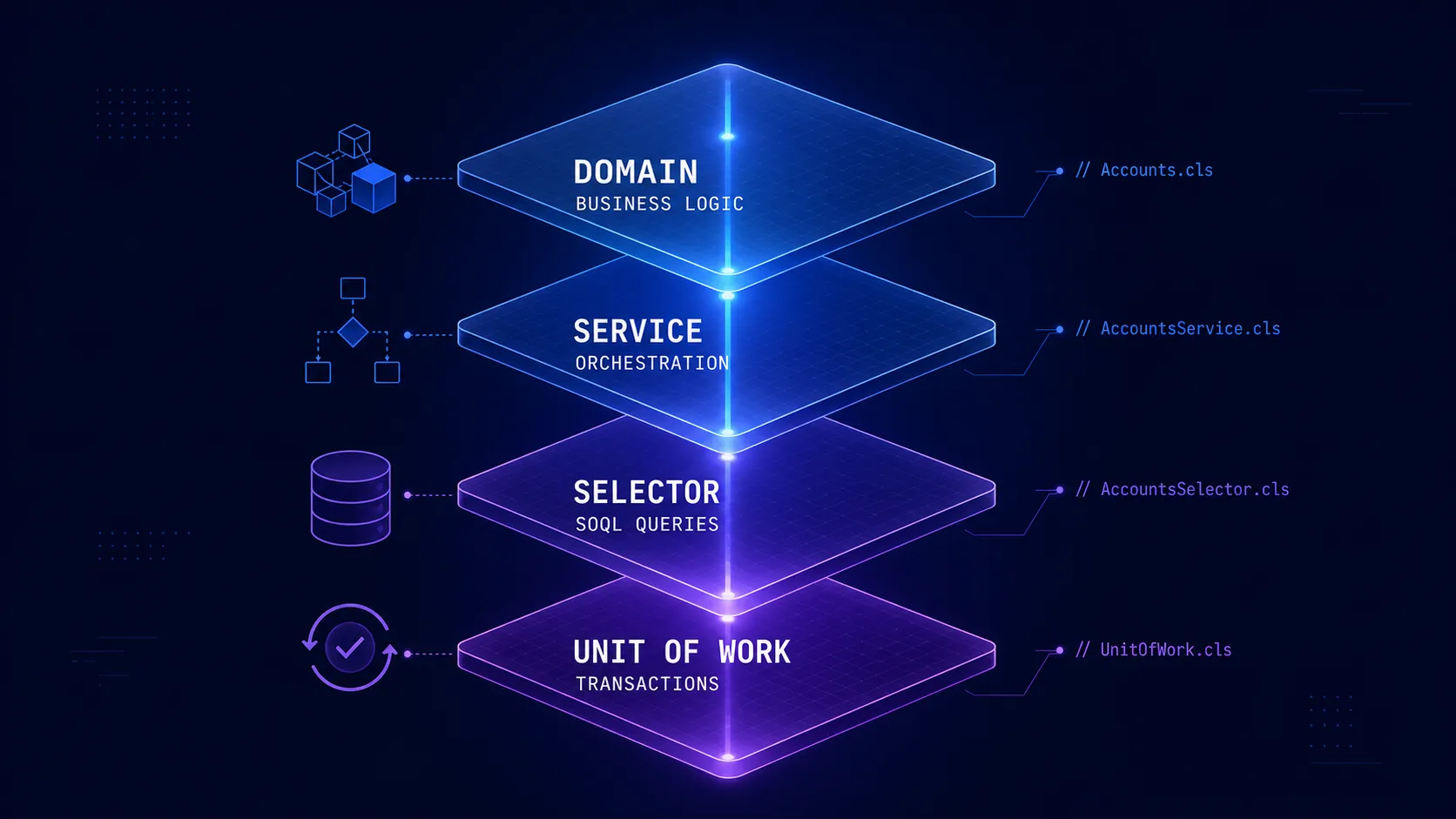
 Salesforce Architecture with FFLib: Enterprise Patterns
Complete guide on implementing enterprise architectural patterns in Salesforce using FFLib. Includes Domain Layer, Selector Layer, Service Layer, and Unit of Work.
 Salesforce Featured
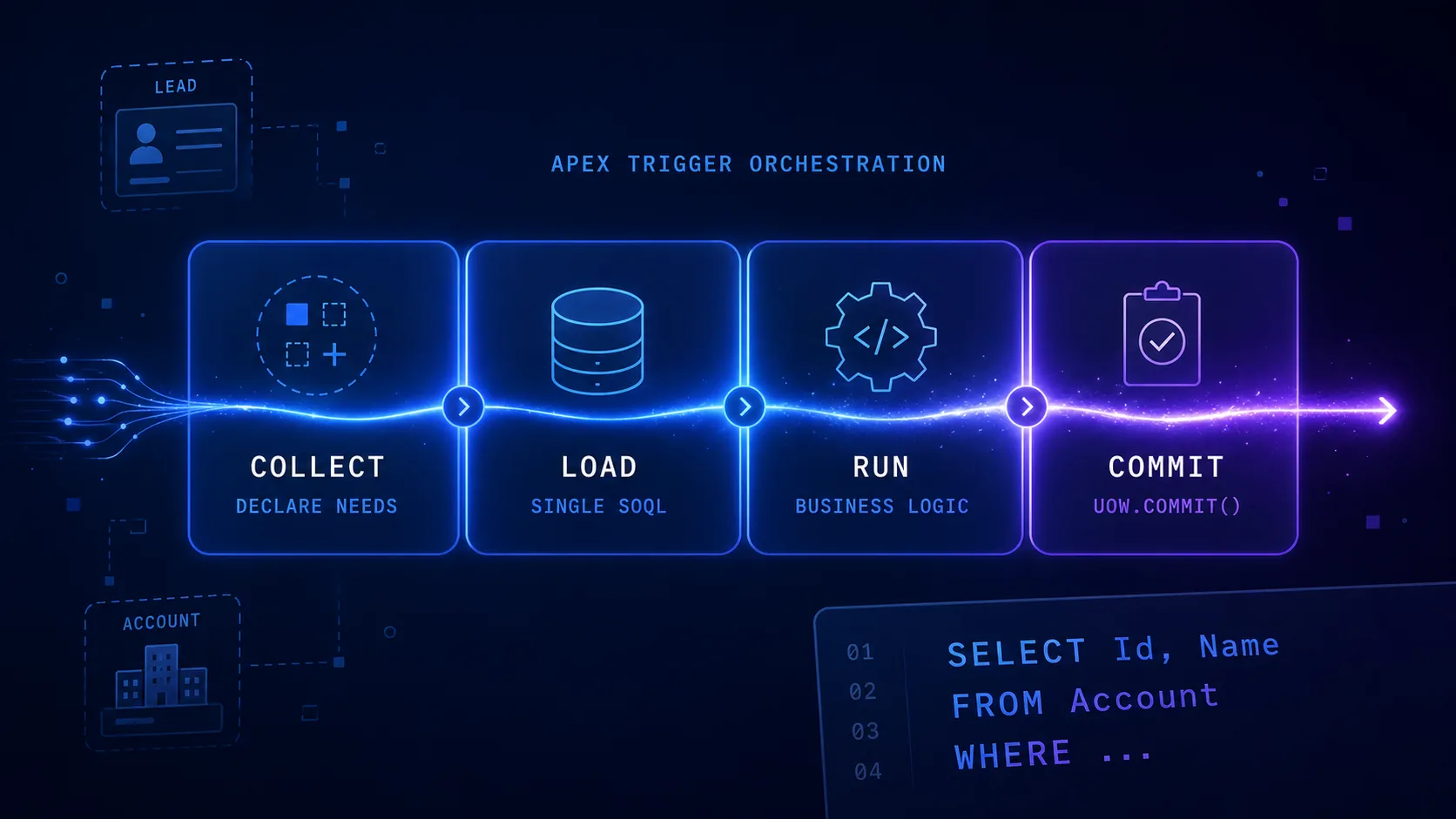
 Query Plan Architecture: Pattern for Apex Triggers
Learn how to structure complex Salesforce triggers with the Query Plan Architecture pattern. Separate logic into 4 phases (Collect, Load, Run, Commit) to eliminate duplicate SOQL, respect governor limits, and simplify testing.
 Salesforce Featured
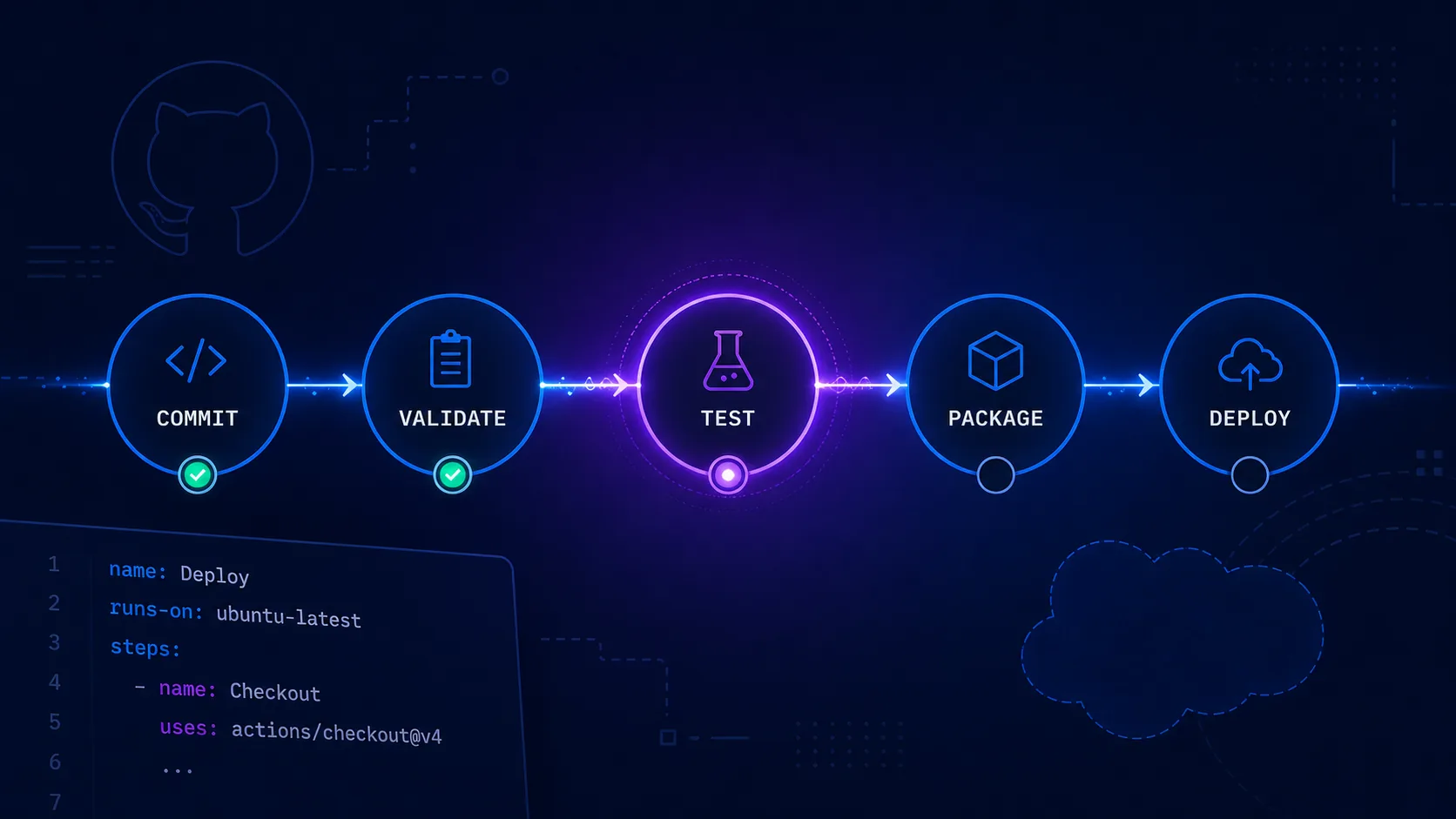
 CI/CD for Salesforce: Deployment Automation
Complete implementation of CI/CD pipelines for Salesforce using GitHub Actions, SFDX CLI, and Scratch Orgs. Includes best practices and troubleshooting.